Hermit 2.0 · Docs
How Hermit works
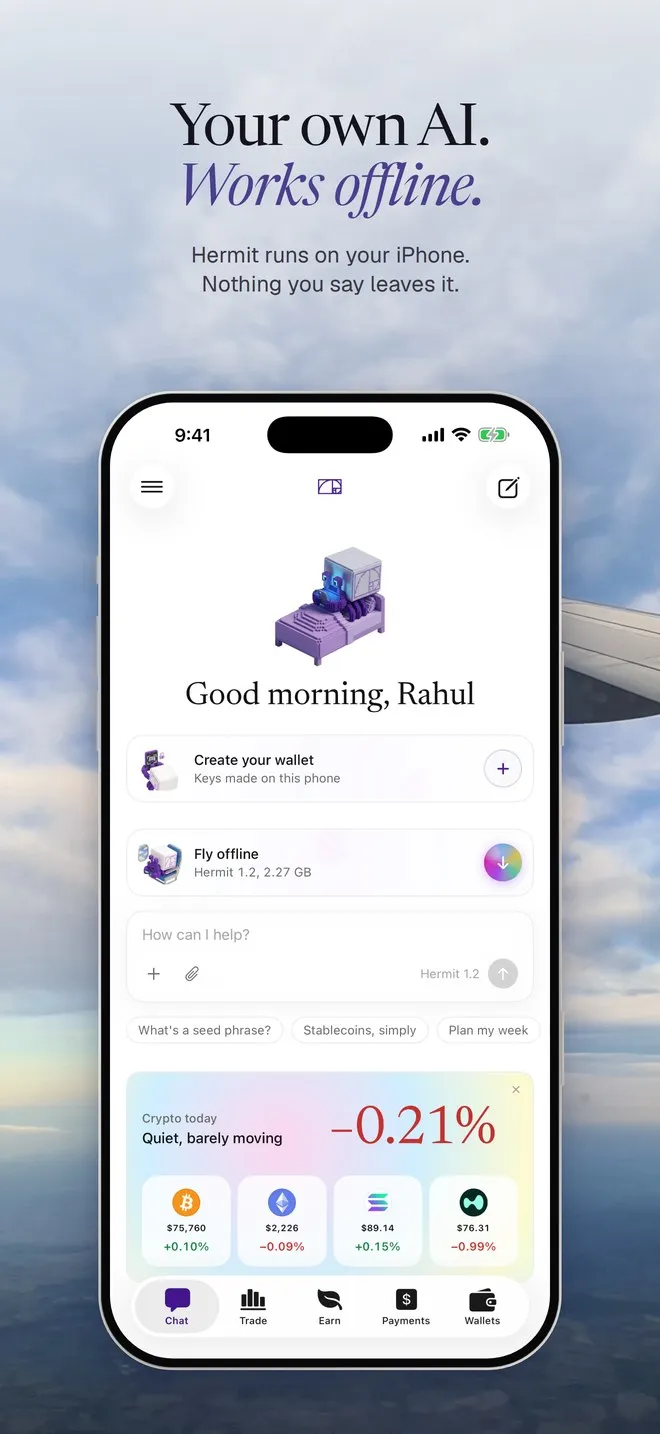
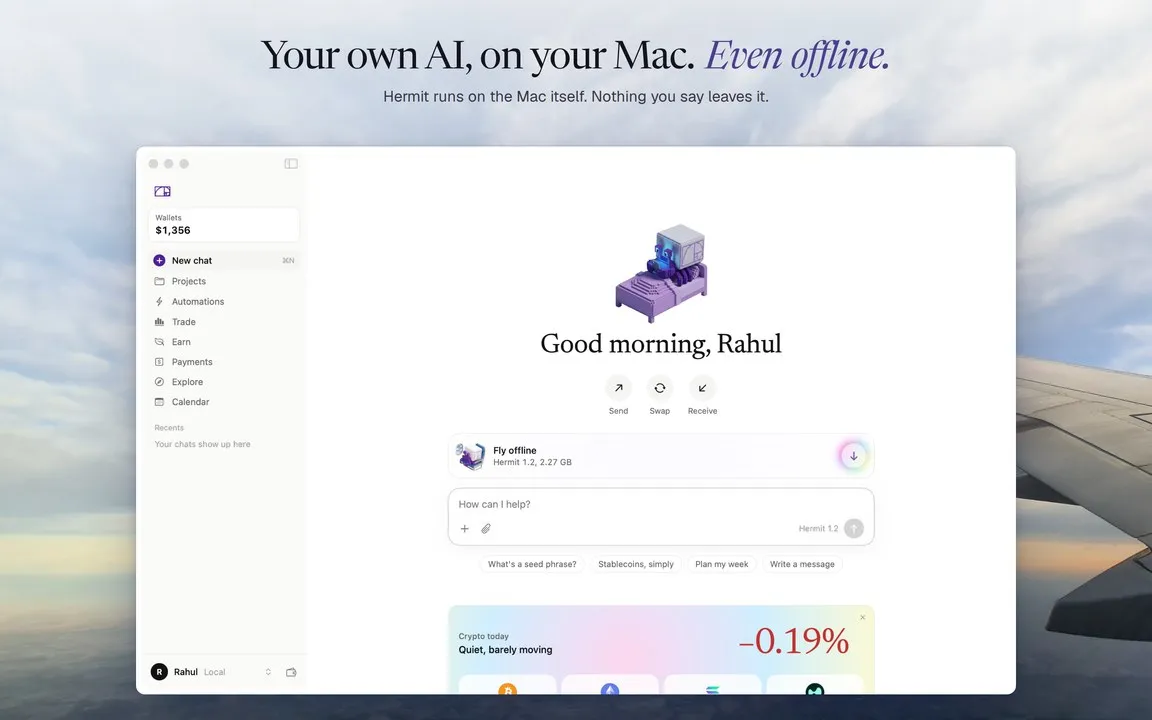
Hermit is a wallet for iPhone and Mac with an AI assistant that runs on the device. You ask it in plain words to swap, bridge, trade or pay. It prepares the move, and nothing leaves your wallet until you approve it with Face ID or Touch ID.
Where to start
Section titled “Where to start”New here? Go in order: download it, type your name, make a wallet, add funds and say hello. The rest of the docs are here when you need them.
Things you can ask it
Section titled “Things you can ask it”Type these the way you’d say them. Hermit shows each step under your message while it works.
How much USDC on Solana would 0.5 ETH on Arbitrum get me?
- Getting a NEAR Intents quote for 0.5 ETH to USDC
A NEAR Intents quote. Nothing gets prepared.
Swap 20 USDC on Base to NEAR
- Preparing the swap for your review
The Swap review opens, filled in from a NEAR Intents quote.
Swap 500 USDC on Base to NEAR
It won’t prepare this one. The assistant can prepare up to $100 per move.
Long ETH with $50 at 5x
- Preparing the order for your review
A Review long ETH button for a Hyperliquid order.
Pay everyone in USDC on Base
Drop in a spreadsheet of addresses and amounts first. You get one Batch send review for the whole list.
Turn off Wi-Fi and it still answers. Automations (“every morning at 8, brief me on the market”) run while Hermit is open. There’s also spot on Solana through Jupiter, Aave deposits, and a browser where web apps see a Hermit wallet.
What it looks like
Section titled “What it looks like”